Tap-to-Call Web Design for Home Service Mobile Leads
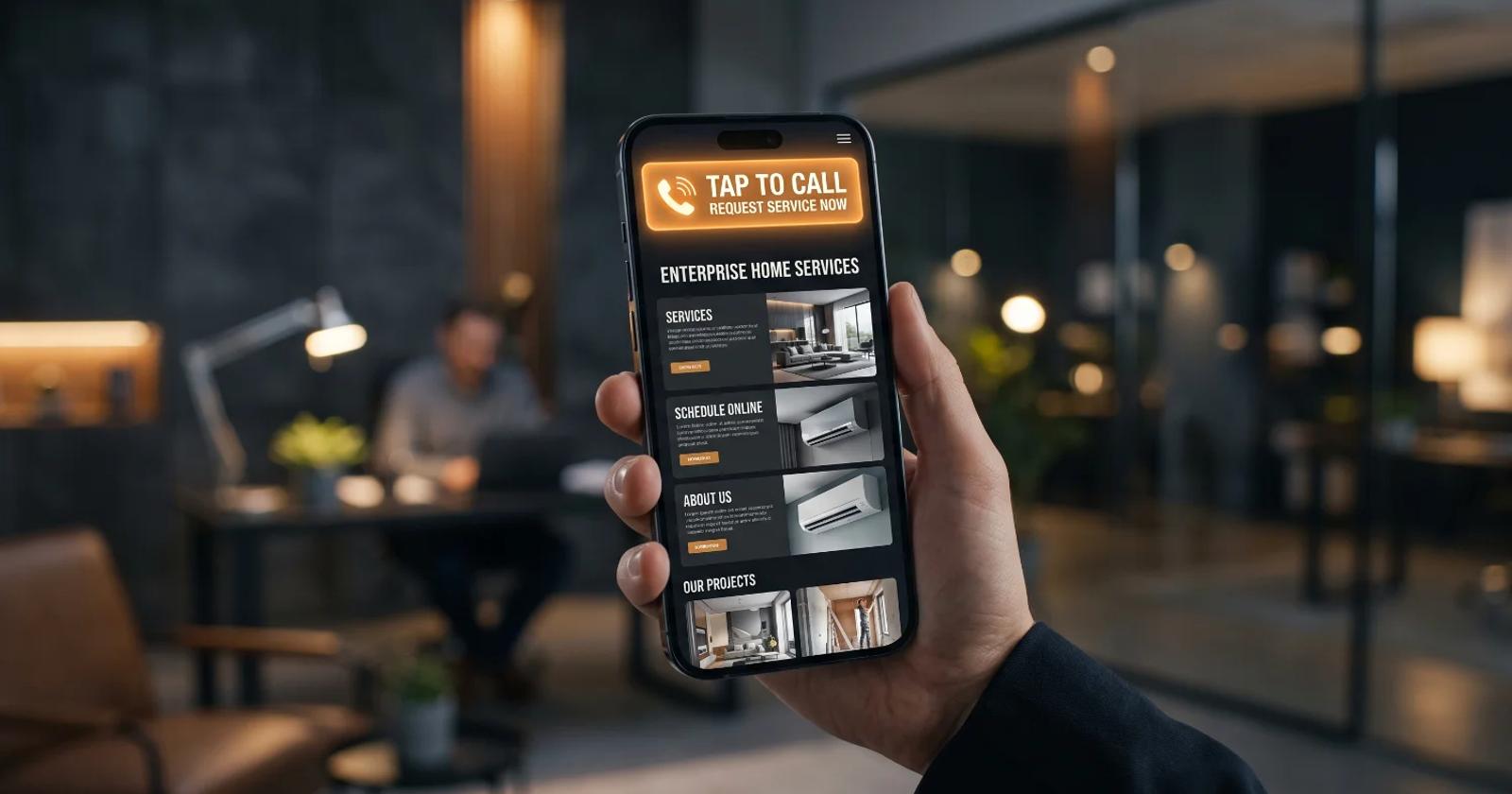
Executive Summary: High-Intent Mobile Conversion Strategy
- Mobile intent requires instant connection: Home service customers with emergency HVAC, plumbing, or roofing issues abandon complex sites; immediate phone access dictates lead capture rates.
- Sticky CTA architecture drives conversion: Mobile viewports require sticky headers with dynamic tap-to-call buttons and native dialer integration to eliminate user friction.
- Tracking prevents attribution gaps: Implementing custom dynamic number insertion (DNI) bridges offline phone interactions with online paid and organic acquisition channels.
- Speed and technical UX rule local search: Core Web Vitals directly impact mobile ranking and immediate call triggers, directly influencing local revenue generation.
How Can Home Service Contractors Capture High-Intent Mobile Searchers via Tap-to-Call Web Design?
Local searchers looking for emergency plumbing, electrical repairs, or HVAC fixes do not browse website pages like casually browsing e-commerce shoppers. They operate under high visual friction, heightened urgency, and acute task orientation. When a main water line breaks or a residential air conditioning unit fails in mid-July, the prospect's immediate objective is single-threaded: connect with a qualified human operator in the shortest possible time.
Digital service providers that force these frantic users to navigate multi-tiered dropdown menus, decipher dense paragraphs of copy, or manually highlight and copy an unformatted ten-digit phone number suffer immediate conversion decay. Standard conversion rate optimization (CRO) models often treat mobile screens merely as condensed versions of desktop displays. That structural miscalculation costs mid-market home service operations tens of thousands of dollars in wasted ad spend every single month.
Capturing high-intent local mobile traffic requires re-engineering the digital experience around one central interactive mechanic: friction-free, immediate voice initiation.
The end-to-end journey of a mobile user follows a direct, linear conversion flow designed to minimize effort:
- High-intent local mobile searcher: The user experiences an urgent service need and executes an emergency search query on a mobile device.
- Sticky header and dynamic CTA button: The user lands on a mobile-optimized page and immediately engages with a visible, persistent tap-to-call button.
- Native mobile dialer triggered: Tapping the call trigger immediately opens the user's phone app with the contractor's phone number pre-loaded.
- Call attribution and DNI tracking: Advanced tracking tools capture session data and match the phone call to the specific search keyword and marketing source.
- CRM lead logging and dispatching: The incoming call routes straight to live dispatch personnel while customer details log into the central CRM.
By prioritizing native phone integration, optimized thumb zones, responsive sticky headers, and localized technical performance, contractors can turn casual mobile sessions into booked service calls.
Understanding High-Intent Mobile Search Behavior in Local Markets
Mobile users searching for local contractor services exhibit a distinct behavioral profile defined by immediate physical necessity and reduced patience for complex page navigation.
When a homeowner experiences a property emergency, their initial search query is inherently transactional. They search using specific terms like "emergency plumber near me" or "roof leak repair tonight." Upon landing on a mobile page, their immediate visual focus targets three critical elements: proof of immediate availability, local geographic coverage, and a direct method to initiate contact.
Traditional desktop web layouts prioritize lengthy company histories, detailed team bios, and comprehensive service grids above the fold. Applying this desktop design hierarchy to mobile viewports creates massive conversion friction. Mobile users process visual information in short, task-oriented bursts. If a high-intent user cannot locate an explicit contact trigger within two seconds of page load, they bounce back to search engine results pages (SERPs) to select a competitor.
Executing an effective mobile-first web design strategy requires recognizing that phone calls convert at significantly higher rates than passive web form submissions in the local services industry. Callers represent qualified prospects ready to book immediate dispatch, whereas contact forms often sit unread in dispatch queues for hours, leading to cold leads and lost revenue.
Designing Optimal Thumb-Zone Layouts for Tap-to-Call Functionality
Mobile user interaction relies almost exclusively on single-thumb navigation, making the physical layout of call triggers critical to user engagement and overall lead volume.
The ergonomics of modern mobile devices dictate that the screen breaks down into three distinct visual and physical reach zones:
- Hard-to-reach zone: Located at the upper third of the device screen, requiring users to uncomfortably stretch their hand grip or use a second hand.
- Natural swipe zone: Positioned across the middle section of the screen, well-suited for reading content and casual scrolling movements.
- Easy-to-tap primary zone: Positioned in the lower third of the screen directly within natural thumb reach, making it the ideal placement for primary tap-to-call call-to-action (CTA) triggers.
Placing primary tap-to-call triggers outside this natural zone forces users to stretch or use two hands, introducing subtle mechanical friction that lowers conversion velocity. Effective tap-to-call implementation leverages responsive, floating action buttons (FABs) or persistent bottom navigation bars anchored within this primary interactive zone.
- Persistent bottom sticky bars: Anchor call buttons globally across all mobile viewports to ensure the contact option remains visible regardless of page scroll depth.
- High-contrast color selection: Utilize prominent CTA colors that contrast sharply with the brand's primary color palette to draw immediate visual attention.
- Native tel-protocol markup: Implement standard HTML call links using
href="tel:18005550199"syntax to directly launch the native mobile dialer application without intermediary pop-ups or redirect loops. - Tactile visual feedback: Incorporate subtle CSS press states or micro-animations that immediately confirm the user's tap action, preventing redundant taps and frustration on slower mobile networks.
A common structural oversight among home service businesses is embedding telephone numbers as static image files or non-clickable plain text within header banners. This obligates the mobile user to manually memorize or copy-paste numbers into their phone app—an unnecessary multi-step hurdle that leads to high drop-off rates.
Optimizing Core Web Vitals for Instant Mobile Engagement
Technical site speed directly dictates whether a high-intent searcher engages with a call CTA or bounces back to the search results page.
Google's Core Web Vitals serve as both a search ranking factor and a direct measurement of mobile user experience quality. For local contractors, Largest Contentful Paint (LCP) and Interaction to Next Paint (INP) are particularly critical. If a mobile site takes four seconds to render its primary tap-to-call hero section, an emergency searcher will back out before the call button even becomes interactive.
Evaluating technical performance across traditional desktop templates versus high-speed mobile user experiences highlights significant operational advantages:
- Largest Contentful Paint speed: Traditional desktop templates often average a sluggish 4.2 seconds on mobile networks, whereas custom high-speed mobile designs render critical assets in under 1.1 seconds.
- Interaction to Next Paint delays: Heavy legacy frameworks frequently register 280 milliseconds of input lag, while optimized mobile layouts maintain lightning-fast responsiveness under 45 milliseconds.
- Above-the-fold asset delivery: Standard layouts frequently overload mobile bandwidth with uncompressed PNG files and heavy JavaScript packages, whereas optimized mobile sites utilize inline SVG vectors and lightweight WebP graphics.
- Mobile conversion efficiency: Legacy desktop-first layouts average a modest 2.1% visitor-to-lead conversion rate, while specialized mobile tap-to-call interfaces regularly achieve conversion rates exceeding 8.7%.
Uncompressed hero images, render-blocking third-party chat widgets, and bloated CSS frameworks frequently paralyze mobile rendering performance.
- Inline SVG iconography: Deploy lightweight SVG phone icons directly within the HTML payload to eliminate render-blocking external font libraries and external icon requests.
- Deferred script execution: Delay non-critical tracking scripts until after the main UI elements and interactive call triggers have fully rendered.
- Aggressive edge caching: Distribute static mobile landing assets across global Content Delivery Networks (CDNs) to reduce server latency for local users.
- Elimination of layout shifts: Reserve explicit dimensional space for sticky headers and contact banners to prevent visual instability during page load.
Speed optimization directly powers conversion mechanics. When a page renders instantly and presents a clear, actionable call button within milliseconds, the user's path to phone connection is clear and direct.
Eliminating Technical and Strategic Traps in Mobile Lead Generation
Deploying tap-to-call mechanics without proper tracking and strategic safeguards can introduce significant operational hazards and revenue leaks.
A frequent tracking mistake made by growing contractors is measuring tap-to-call button clicks as completed sales conversions within web analytics platforms. A tap on a call link indicates intent, but it does not guarantee a connected call, let alone a qualified lead. If a user taps the button but hangs up before the dialer connects, or hits a busy signal, logging that event as a conversion distorts marketing data and skews paid acquisition bidding algorithms.
To ensure strict data integrity and verify genuine operational leads, call measurement must follow a structured pipeline:
- Tap-to-call click event: The user taps the call button on the mobile landing page, triggering an initial interaction event.
- Native mobile dialer launch: The user's device opens its native phone application populated with the dedicated contact number.
- Dynamic Number Insertion execution: DNI software maps the specific phone line used to the user's unique website session, ad campaign, and traffic source.
- Call duration and quality filter: System logic checks the call against minimum duration thresholds to filter out wrong numbers, hangups, and automated spam calls.
- Conversion metric logged in CRM: Verified phone conversations of sufficient length log automatically as qualified leads in the business CRM and advertising platforms.
Advanced lead attribution requires aligning online mobile campaigns with back-end operational performance:
- Inaccurate conversion thresholds: Set minimum call duration rules (such as 60 or 90 seconds) inside call tracking platforms before firing conversion pixels back to ad networks.
- Unmonitored call routing delays: Ensure call forwarding routing connects directly to an active dispatch center without lingering IVR menus or extended ring cycles.
- Mismatched local numbers: Display local area code phone numbers dynamic to the searcher's geographic region rather than generic 800 numbers to maintain consumer trust.
- Unoptimized off-hours routing: Implement dynamic CTA changes during off-hours, shifting from "Call Now" to "Request Emergency Callback" when live operators are unavailable.
Proper call attribution bridges online marketing with real-world revenue generation. High-performing campaigns rely on real-time data from tools like Google Search Central to align search visibility with actual phone conversations.
Scaling Local Market Reach Through Unified Conversational Infrastructure
Capturing high-intent mobile searchers via tap-to-call design is the entry point for a wider omnichannel acquisition strategy.
Once a home service brand establishes a functional tap-to-call design framework, the next step in scaling revenue involves combining voice channels with secondary instant-communication touchpoints. While the majority of emergency searchers prefer immediate phone calls, a secondary segment of high-intent mobile users prefers rapid text messaging or automated scheduling apps.
Implementing unified omnichannel lead routing enables local contractors to seamlessly process multiple communication channels simultaneously:
- Mobile search entry: High-intent local searchers land on the optimized mobile web interface.
- Dual contact channel pathways: Users choose between an immediate voice tap-to-call CTA for direct phone calls or a web-to-SMS trigger for instant text messaging.
- Centralized CRM dispatching: Both phone calls and incoming text inquiries feed directly into a single, unified CRM system for rapid staff response and dispatch tracking.
Integrating SMS marketing systems alongside primary tap-to-call interfaces provides an essential fallback option for users who cannot speak on the phone immediately. When a prospect taps a secondary "Text Our Dispatch Team" trigger, the site initiates a native SMS prompt with pre-populated service request details.
Furthermore, integrating structured local landing pages optimized for specialized service areas ensures that mobile tap-to-call interfaces capture geographically targeted traffic. Tailoring design architectures specifically for the home services sector ensures every campaign matches local service offerings, operational realities, and regional customer expectations.
Key Takeaways
- Prioritize thumb-zone placement: Position primary tap-to-call buttons within the bottom natural interaction area of mobile screens using sticky, persistent headers or footers.
- Enforce native tel-protocols: Ensure call links use clean HTML
tel:markup to initiate native device dialers without redirects or copy-paste requirements. - Optimize speed for immediate loading: Target sub-1.5 second LCP times on mobile networks by minimizing render-blocking scripts and optimizing visual assets.
- Implement Dynamic Number Insertion: Track offline calls back to specific keywords and ad campaigns using DNI and minimum duration call parameters.
- Provide instant fallback channels: Combine primary call triggers with web-to-SMS features to capture non-voice mobile searchers without losing lead momentum.
Transform Your Mobile Lead Generation Engine
Capturing high-intent local mobile searchers requires an integrated digital infrastructure built for speed, immediate engagement, and clear call routing. At Atlas Digital, we design and build custom, high-converting digital architectures that turn mobile traffic into booked service calls for growing home service enterprises. To audit your current mobile conversion performance and discover untapped lead opportunities in your local market, connect directly with our strategic team by visiting our Contact and Consultation Page.
External References
- Google Search Central: Core Web Vitals & Page Experience Documentation
- HubSpot Research: Mobile User Experience and Conversion Rate Benchmarks